Putting the availability board on a TV: Web, Apple TV and Android TV
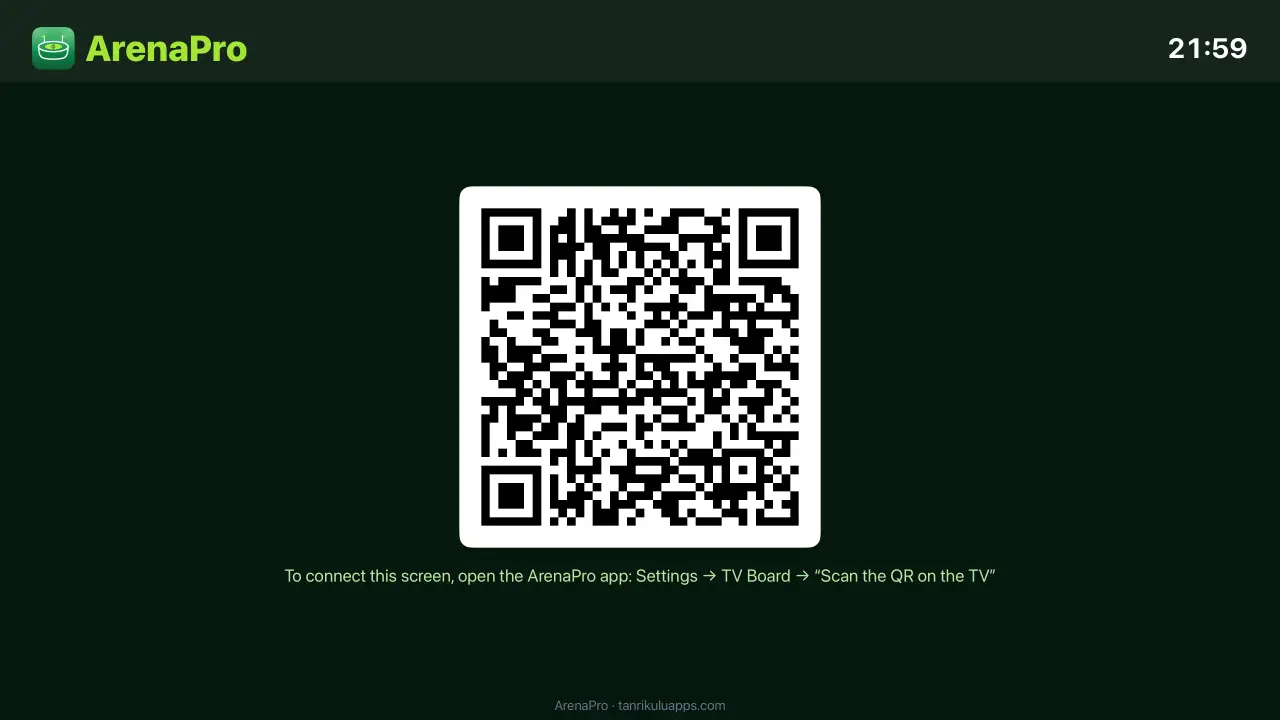
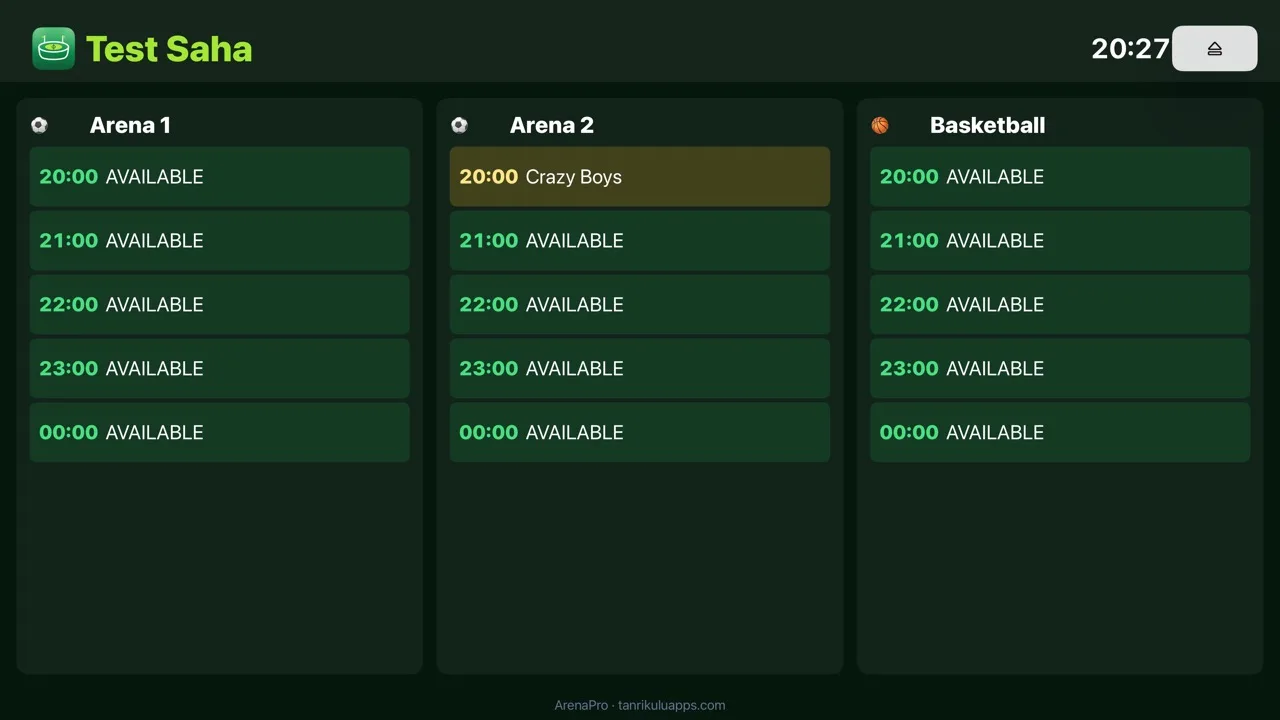
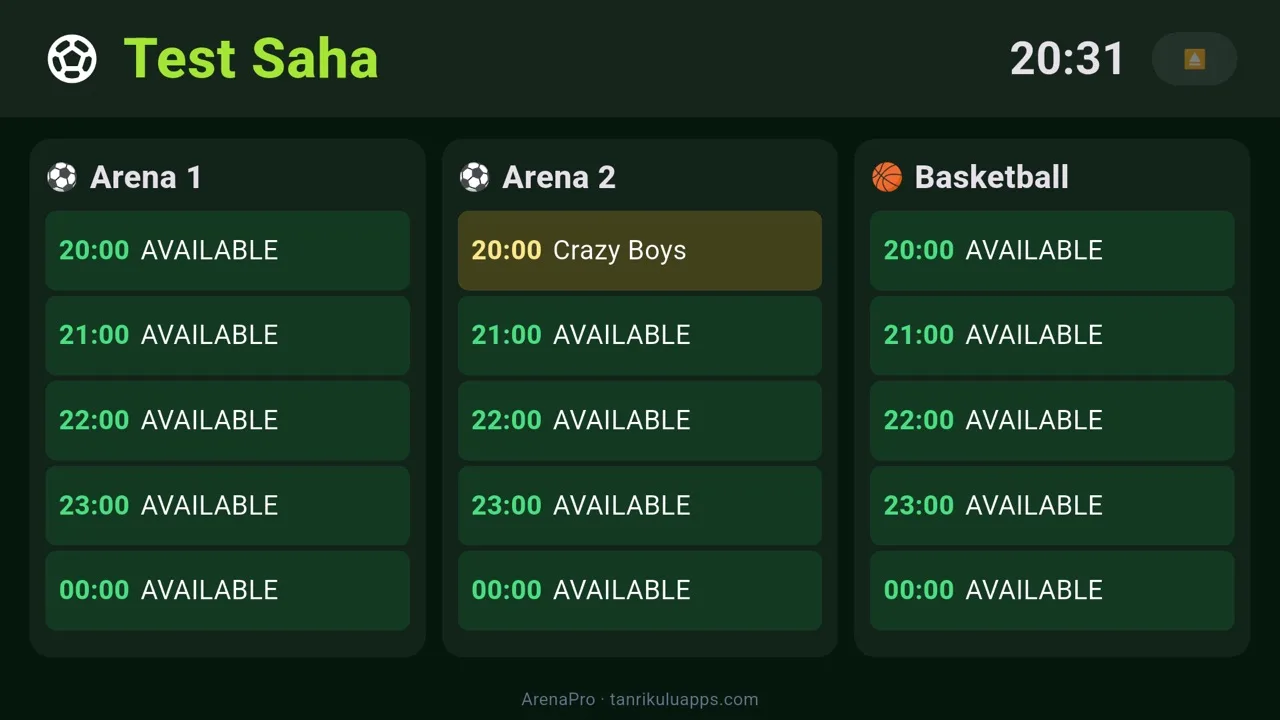
The TV at the entrance shows the day's schedule: which pitch is booked at which hour, and what is still free. "Any slots free tonight?" is answered on the screen; phone numbers and amounts never appear. This page covers all three ways to set it up. The logic is the same everywhere — the TV shows a pairing QR code, you scan it with ArenaPro on your phone, and the TV permanently becomes your venue's board.
What you need
- A TV connected to the internet (a smart TV with a browser, an Apple TV, or an Android TV).
- ArenaPro on your phone, signed in to your cloud account.
Note: The board only shows time slots and team names; phone numbers and amounts never appear. Setup is one-time.
With Apple TV
- Open the App Store on Apple TV, search for ArenaPro and install it.
- Launch the app — a pairing QR code appears on screen.
- On your phone: Settings → TV Board → "Scan the QR on the TV" — it pairs within seconds.
With Android TV
- Open Google Play on Android TV and install ArenaPro.
- Launch the app — the QR is on screen.
- On your phone: Settings → TV Board → "Scan the QR on the TV".
With the web (any TV with a browser)
- Open tanrikuluapps.com/arenapro/pano in the TV's browser.
- A QR code appears on screen.
- On your phone: Settings → TV Board → "Scan the QR on the TV".
Tip: If your TV has an app store, prefer the app: it opens straight into the board, with no browser bar or sleep issues to fight.
What the board shows, and how it updates
Hours fill as reservations come in and free up on cancellations; past hours drop off by themselves, and the whole day fits the screen without scrolling. Arrived and finished matches are colour-coded. The board follows the TV's local day and refreshes four times a minute.
Unpairing and renewing the code
- Unpair: the ⏏ button at the top right of the TV app removes the pairing; the TV returns to the QR screen.
- Renew the code: Renew code on the phone's TV Board screen drops old pairings.
Troubleshooting
- The QR won't scan: hold the phone closer and steady; raise the TV brightness. The code stays valid as long as it is on screen.
- "No matches booked today": if there are no reservations that day, this screen is normal; slots fill with the first booking.
- Connection lost: the board keeps the last known schedule with a warning line, and recovers by itself when the internet returns.