Reading plates with the camera
- Tap VEHICLE ENTRY on the panel; the phone camera opens.
- Frame the plate and take the photo.
- The plate is read and the record opens; if it fails you can type it.
Reading happens on the device — no internet needed.
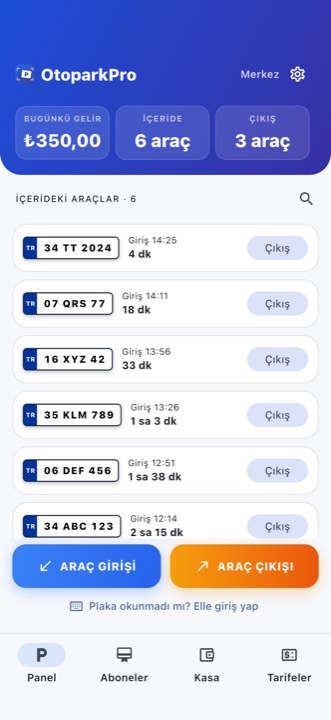
Everything from entry to cash in one app. Never lose a car, miscalculate a fee or miss a payment.
OtoparkPro is offline-first parking management software for paid car park operators. It reads the plate with the phone camera, records the vehicle on entry, works out the fee from the tariff on exit, keeps subscribers' months and balances, and closes the day from the till. No barrier or separate plate-recognition hardware is needed; it runs on a phone, in a browser and on a TV board, and syncs to the cloud when the connection returns.
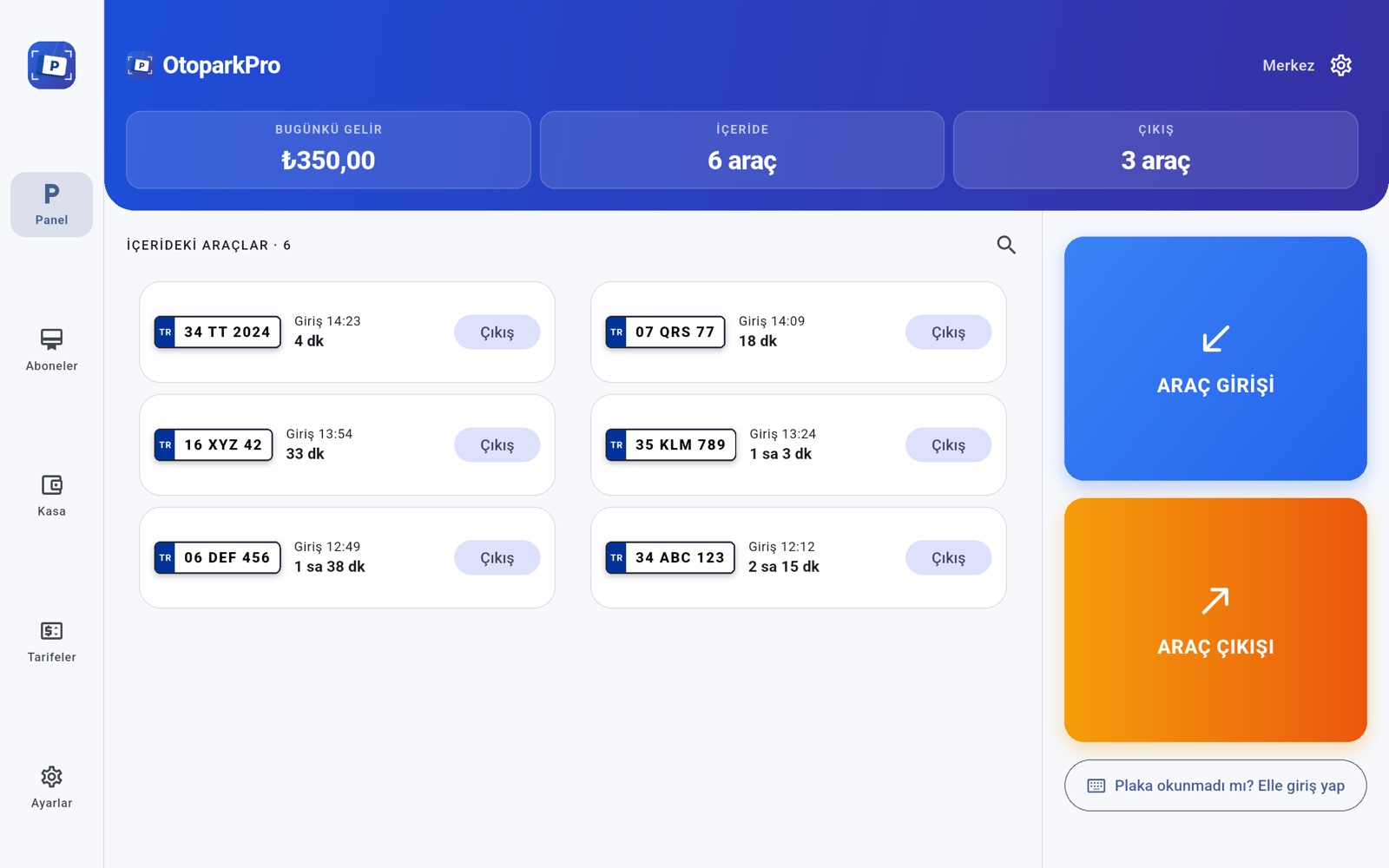
On tablets, a layout of its own — not a phone copy
On iPad and Android tablets the panel runs two-pane: menu rail on the left, wide car grid on the right — built for the booth counter.
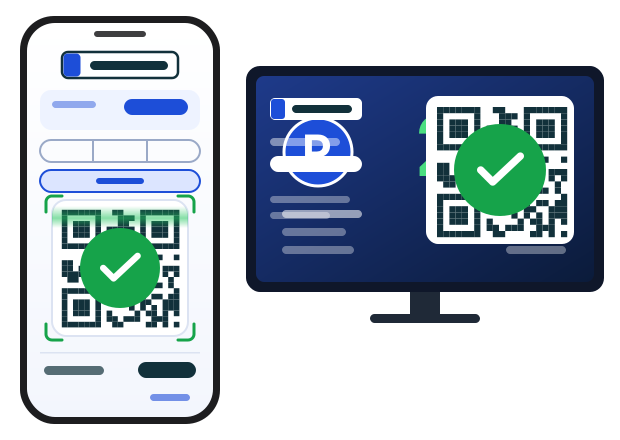
Choose Online at exit: the QR code appears on the phone and on the booth TV board at the same time. The customer scans and pays with their own card; the moment the payment lands, the exit completes itself. The money goes straight to your own PayTR or Stripe account, and Tanrikulu Apps takes no transaction fee on top.
Online payments sit on their own line in the cash register and reports, separate from card. They also work for member and customer payments.
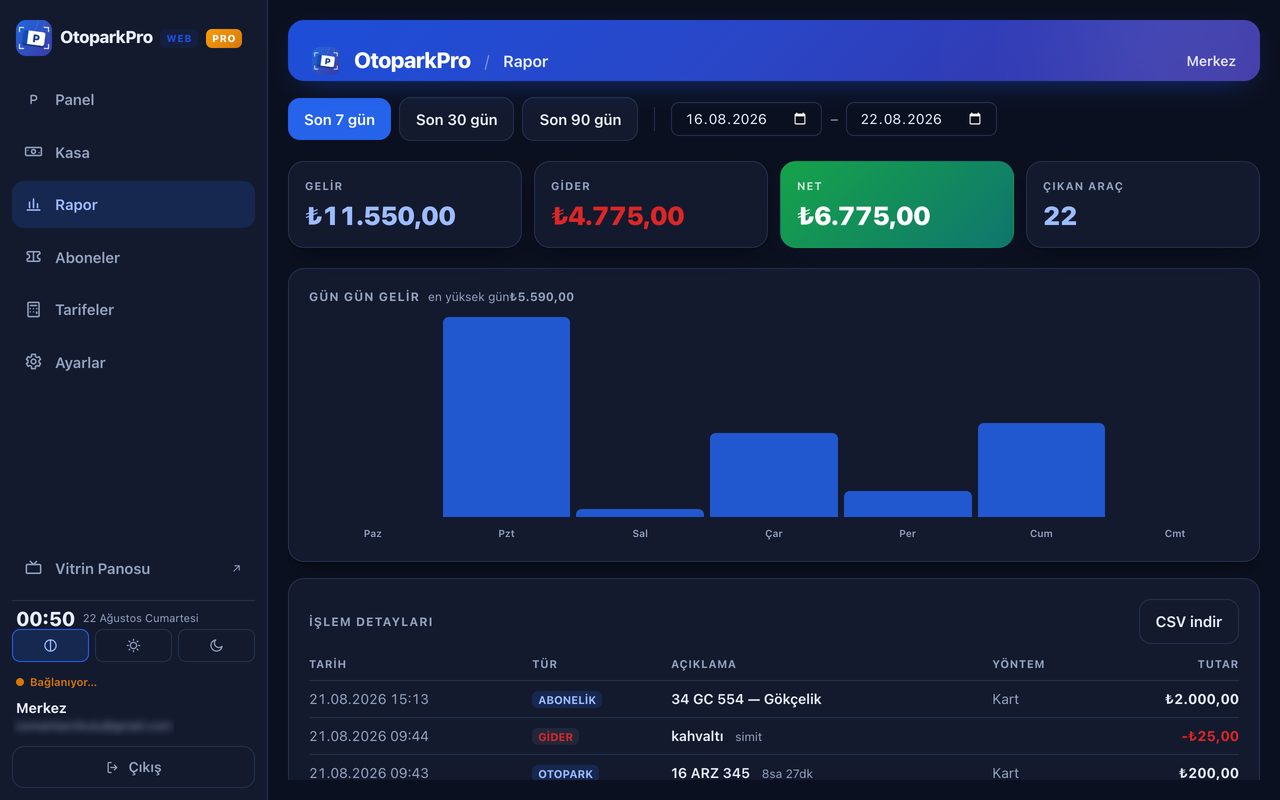
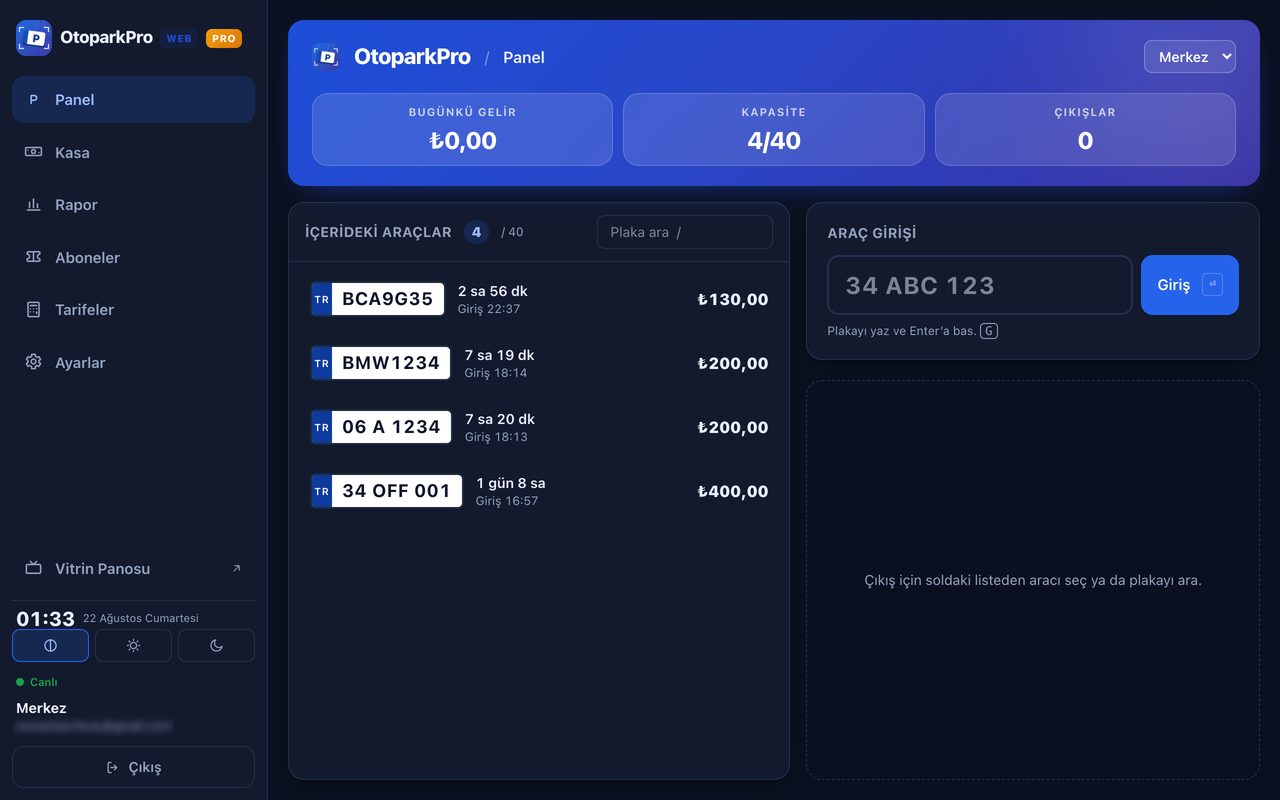
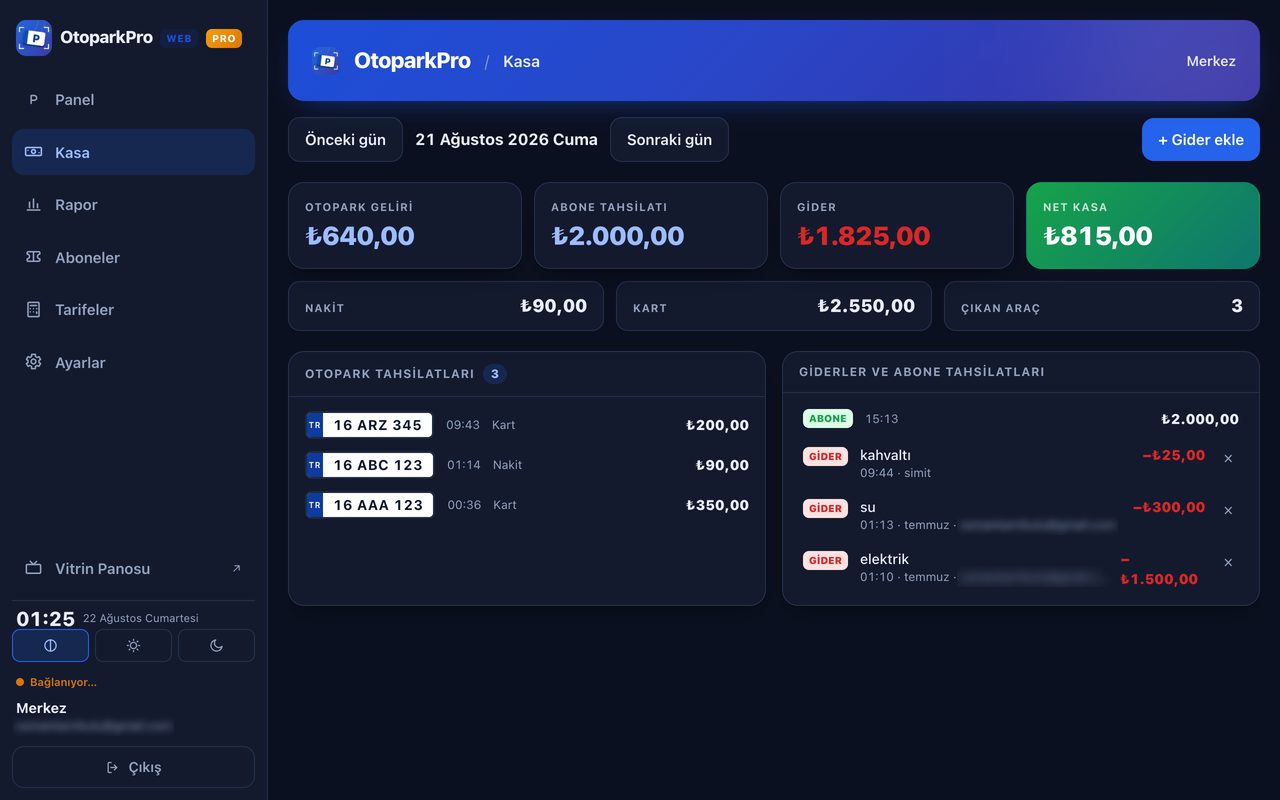
If there is a computer in the booth you do not need to install anything: sign in with the same account in the browser and your lot appears on screen. Long lists on a wide screen, fast typing.
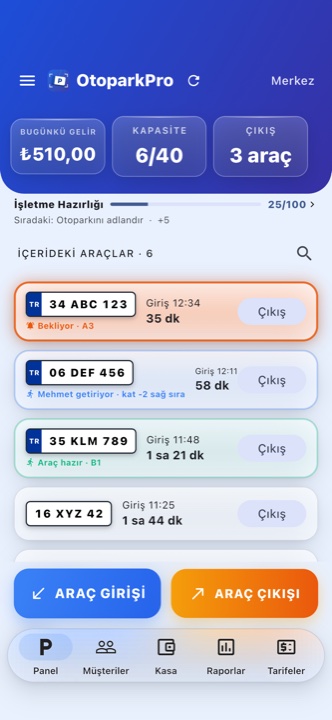
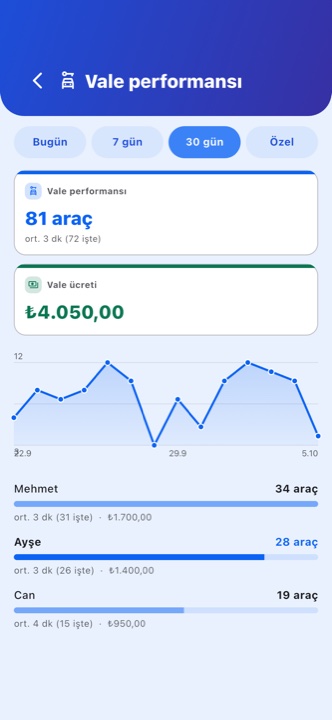
The customer asks from the QR page, the valet from the panel — either way the request lands in your team's list. One attendant claims it, so nobody else walks to the same car. When the car reaches the door, the customer sees it on their phone.
It stays off for car parks that do not offer valet: nothing valet-related is drawn anywhere in the app. Turn it on under Settings → Valet.
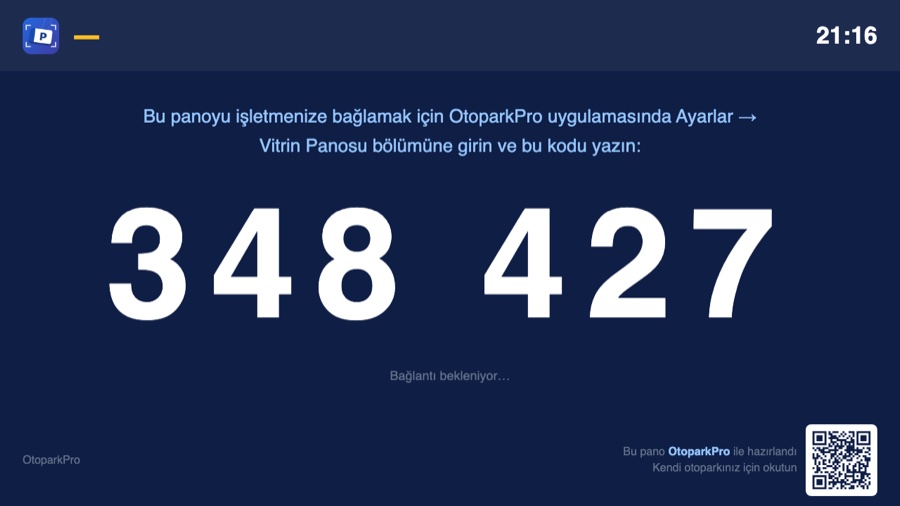
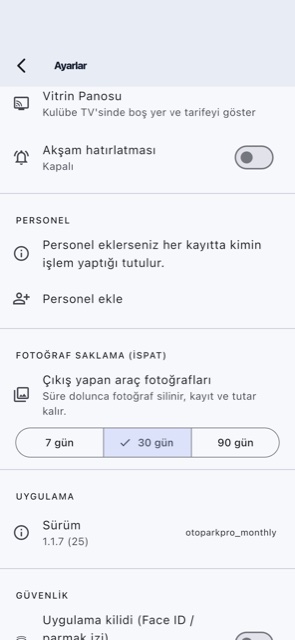
The TV in the booth does two jobs. When idle it shows live free spaces and your rates, so a driver passing by sees there is room and pulls in. When a car arrives, the plate, the arrival time and the tracking QR take over the screen; on the way out, the duration and the amount due. After thirty seconds the board goes back to the showcase.
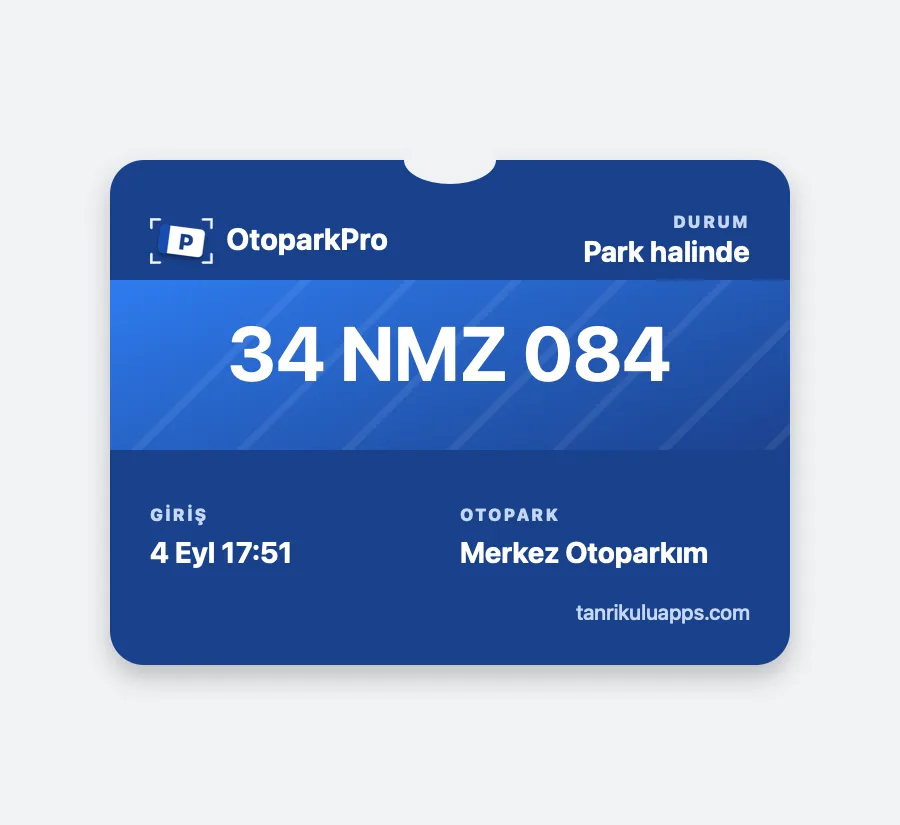
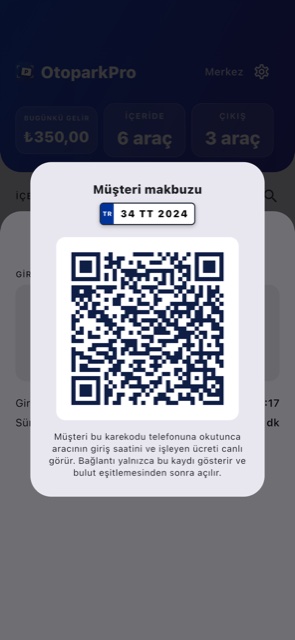
The moment a car enters, a code unique to that record is born. The customer scans it, watches the entry time and running fee live, and can add a card to Apple Wallet. When the car checks out the news lands on the lock screen — on Android the same happens through a browser notification. No app, no sign-up, no message fees.
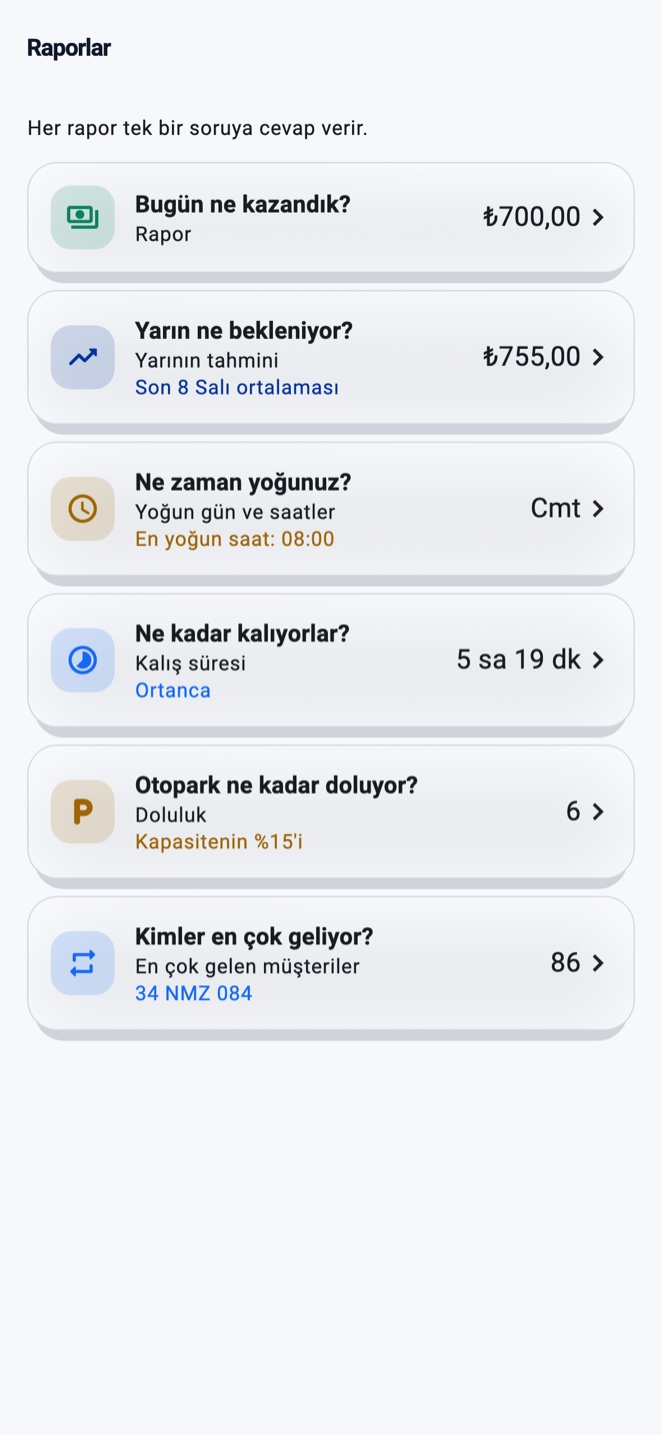
The reports screen is not a long table: six questions, six answers. You see the answer on the card; tap it and the detail opens — chart, distribution, history.
Each takes a few minutes; no installer, no cabling, no computer.
Stuck on something? See the FAQ →
Using it on a computer (web) guide →
Reading happens on the device — no internet needed.
You need to be signed in with a cloud account to link. If you hand the TV to another business, tap the footer 5 times to reset the pairing.
The link shows only that single record; your plates and till stay private. It works after cloud sync.
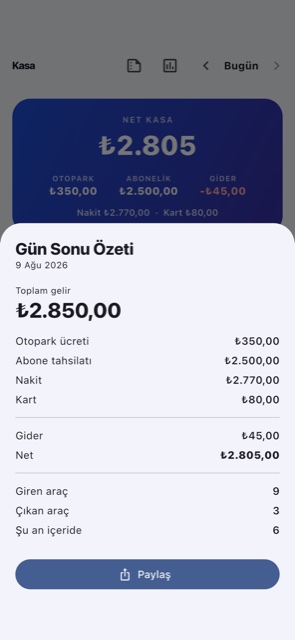
Pick a time under Settings → Evening reminder and a notification arrives each evening; tapping it opens the summary.