Putting the queue board on a TV: Web, Apple TV and Android TV
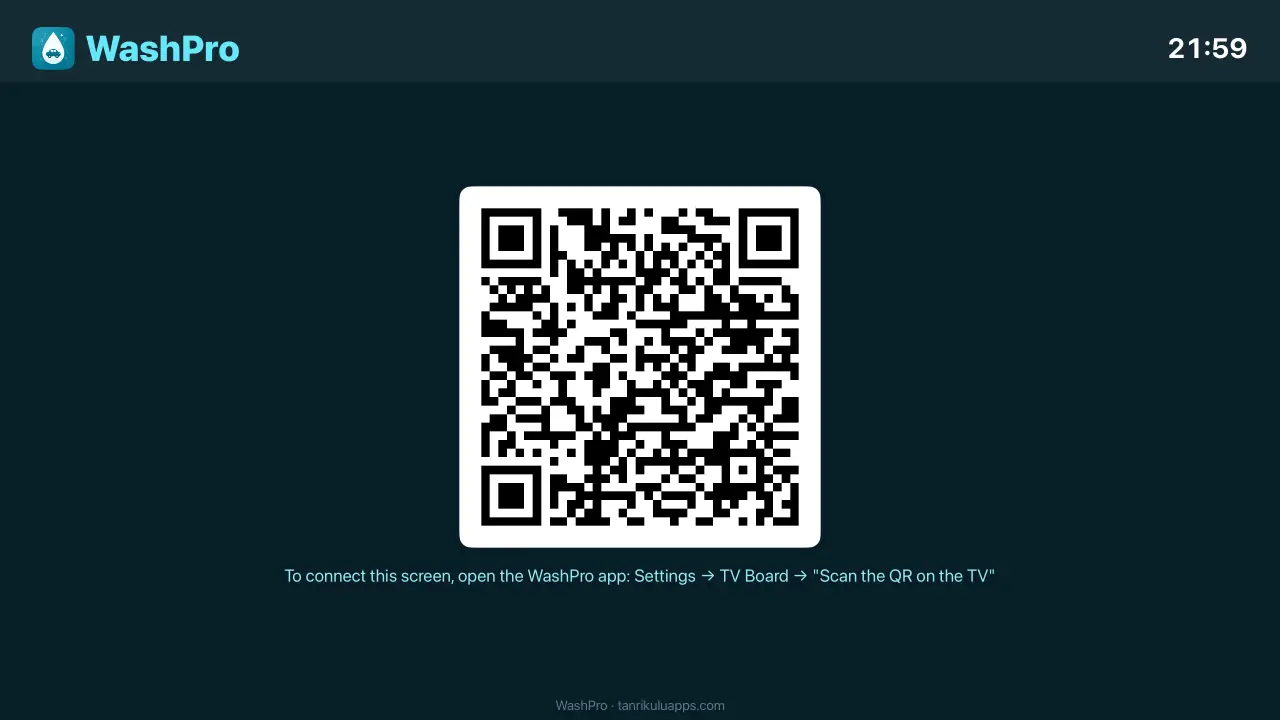
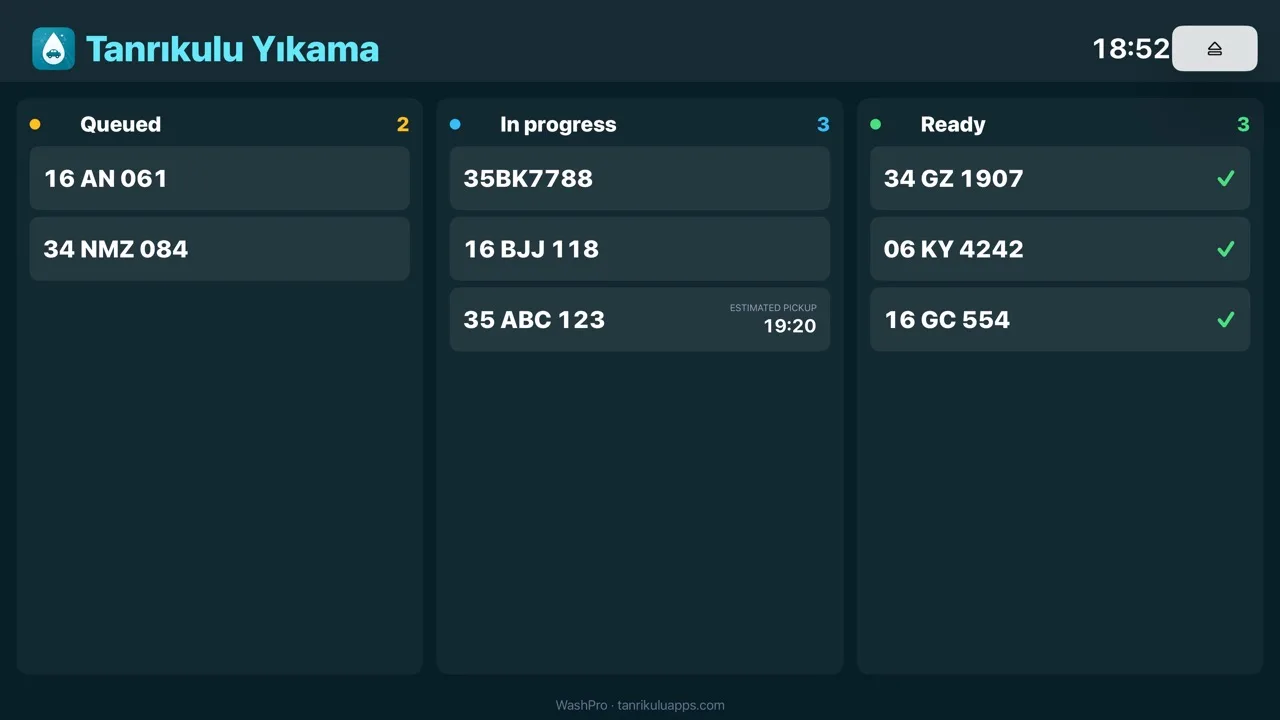
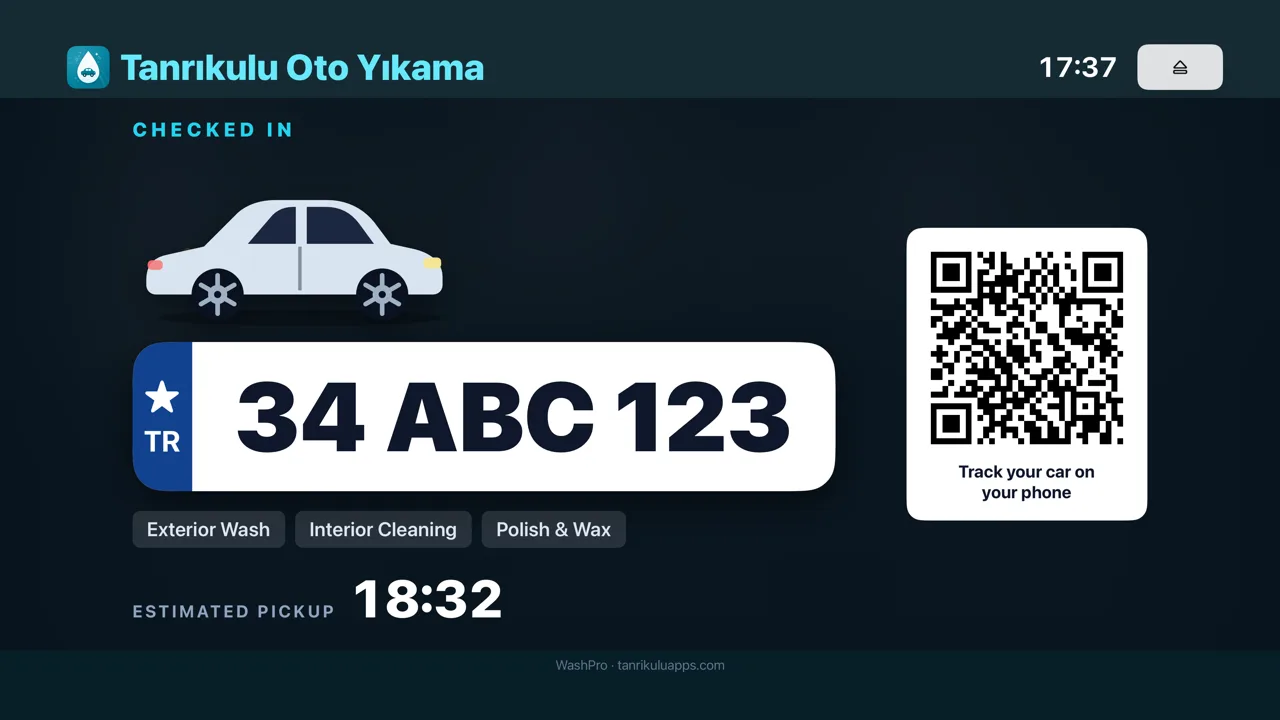
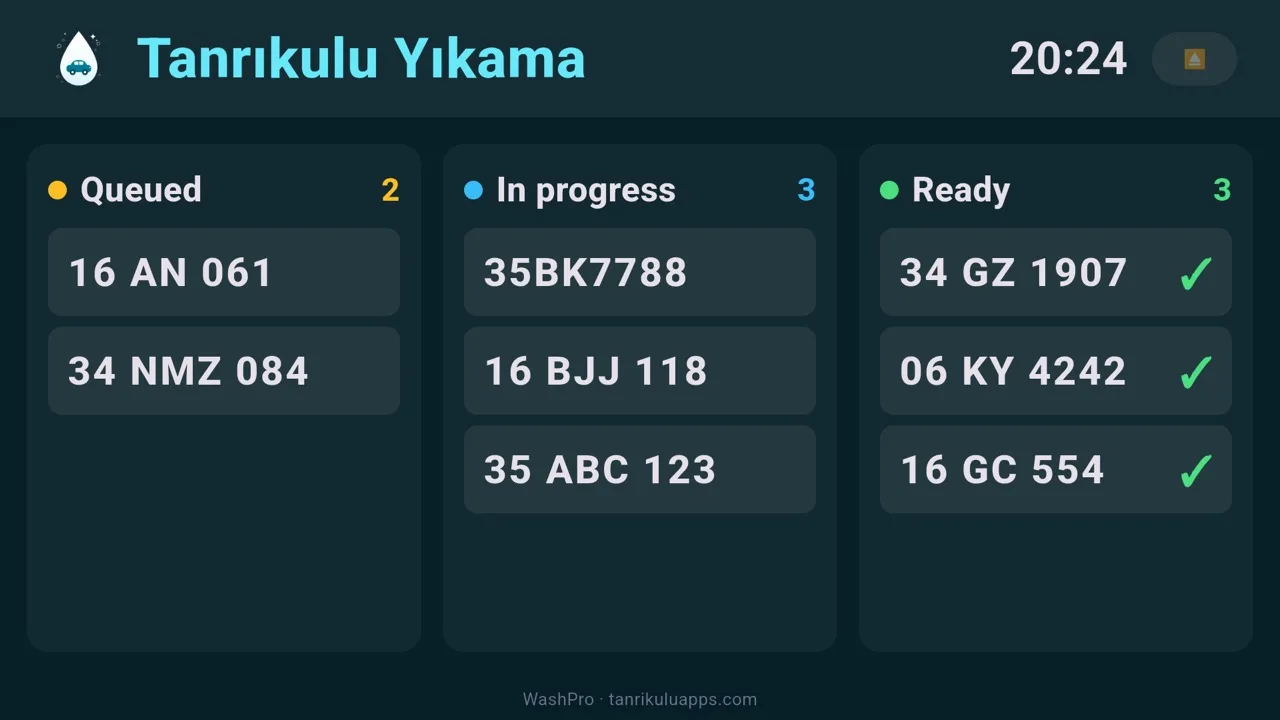
The TV in your lounge becomes a live queue screen: waiting, in-progress and ready cars flow by plate, with estimated pickup times. "How much longer?" is answered on the screen; amounts never appear. This page covers all three ways to set it up. The logic is the same everywhere — the TV shows a pairing QR code, you scan it with WashPro on your phone, and the TV permanently becomes your business's screen.
What you need
- A TV connected to the internet (a smart TV with a browser, an Apple TV, or an Android TV).
- WashPro on your phone, signed in to your cloud account.
With Apple TV
- Open the App Store on Apple TV, search for WashPro and install it.
- Launch the app — a pairing QR code appears on screen.
- On your phone: Settings → TV Board → "Scan the QR on the TV" — point the camera at the code; it pairs within seconds.
With Android TV
- Open Google Play on Android TV and install WashPro.
- Launch the app — the QR is on screen.
- On your phone: Settings → TV Board → "Scan the QR on the TV".
With the web (any TV with a browser)
- Open tanrikuluapps.com/washpro/pano in the TV's browser.
- A QR code appears on screen.
- On your phone: Settings → TV Board → "Scan the QR on the TV".
What the board shows, and how it updates
As you tap "Start" and "Ready", cars flow between columns by themselves; delivered cars drop off the list. The estimated pickup time is computed from the queue — you can also adjust it by hand by tapping the time in job details; the board and customer tracking always show the same time. If more cars pile up than a column can fit, the board summarises the overflow as "+3" — nothing ever runs off the screen.
Unpairing and renewing the code
- Unpair: the ⏏ button at the top right of the TV app removes the pairing; the TV returns to the QR screen.
- Renew the code: Renew code on the phone's TV Board screen drops old pairings — use it if a TV leaves your hands.
Troubleshooting
- The QR won't scan: hold the phone closer and steady; raise the TV brightness if it is very low. The code stays valid as long as it is on screen — no need to wait for a new one.
- Connection lost: the board keeps the last known queue with a warning line, and recovers by itself when the internet returns.
- Board empty after pairing: if there are no cars on the board right now, the "No cars waiting" screen is normal; the columns fill as soon as you open the first job.